Exact model scope
Record brand, model, generation, year range, body or trim, and the target market name.

Product structure / 2D
Buyer decision
A 2D mat program starts with the vehicle floor outline and set contents. For each SKU, verify the model name used in the target market, production year or generation, body or trim difference, LHD or RHD, pedals, seat rails, center tunnel, retention clips, and any area that may affect safe installation.
After fitment is defined, select the material, thickness, surface, backing, edge finish, color, logo, label, and packaging. Keeping fitment and material as separate approval lines makes quotations easier to compare and reduces the risk of applying one generic description to every vehicle page.
Record brand, model, generation, year range, body or trim, and the target market name.
Verify pedal area, driver heel position, clips, rails, tunnel, and left/right floor differences.
Approve material, thickness, surface, backing, edges, color, logo, and set contents.
Use one item code and approved revision for sample, production, labels, packing, and inspection.
Workflow
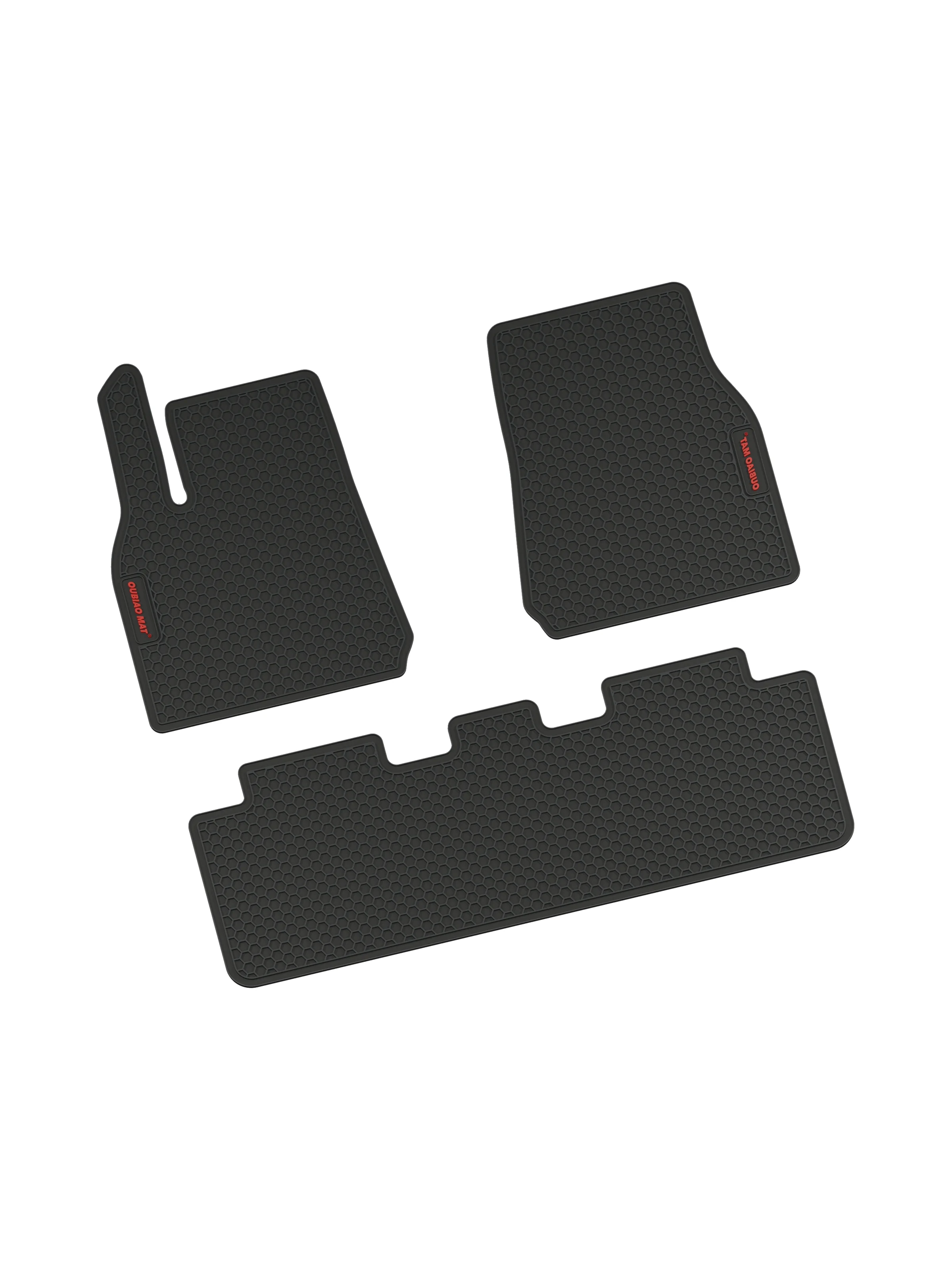
Use the image as a structure reference; confirm the exact material and fitment for each SKU.
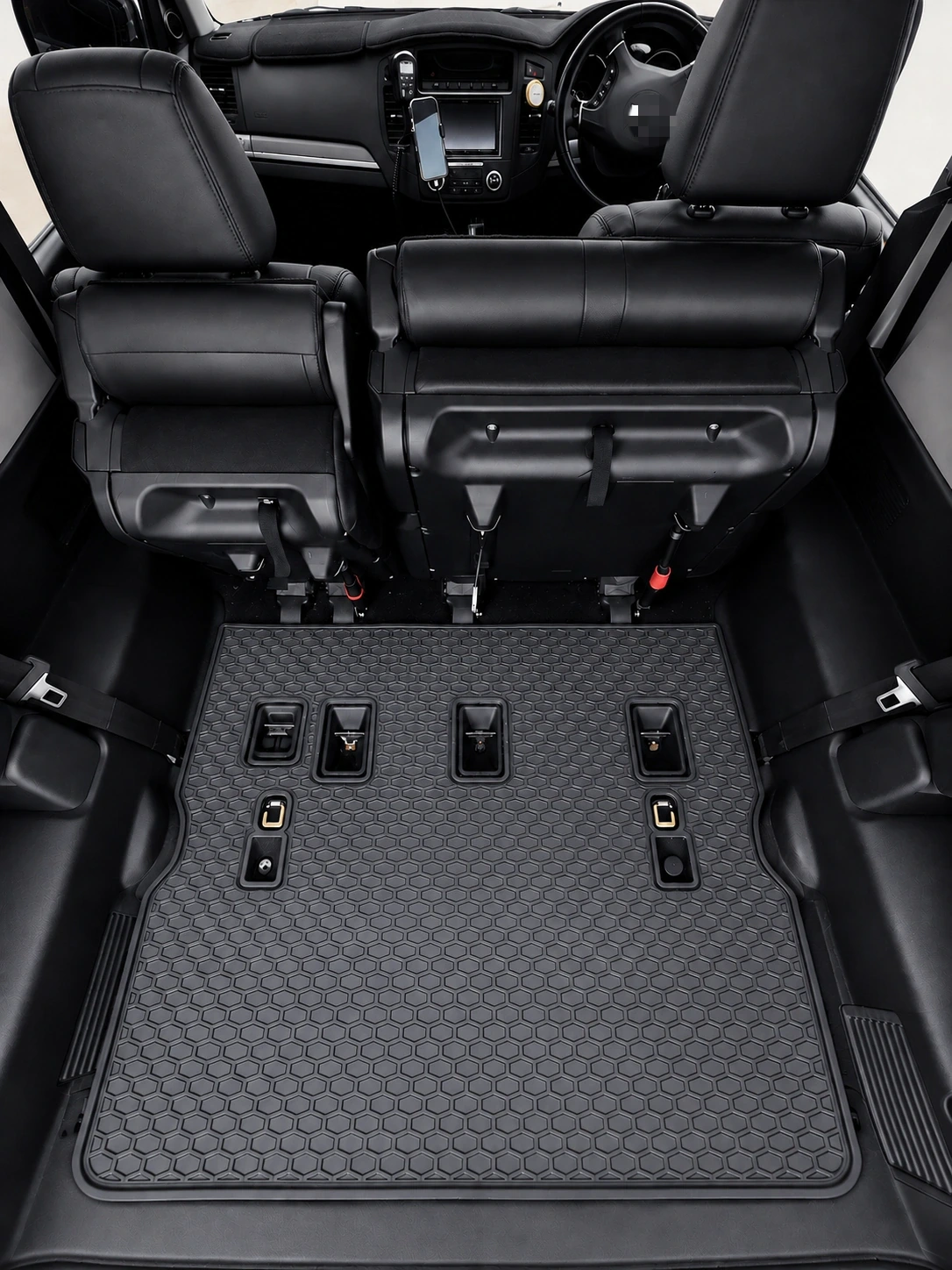
Model name alone is not enough when year, trim, or steering position changes the floor.
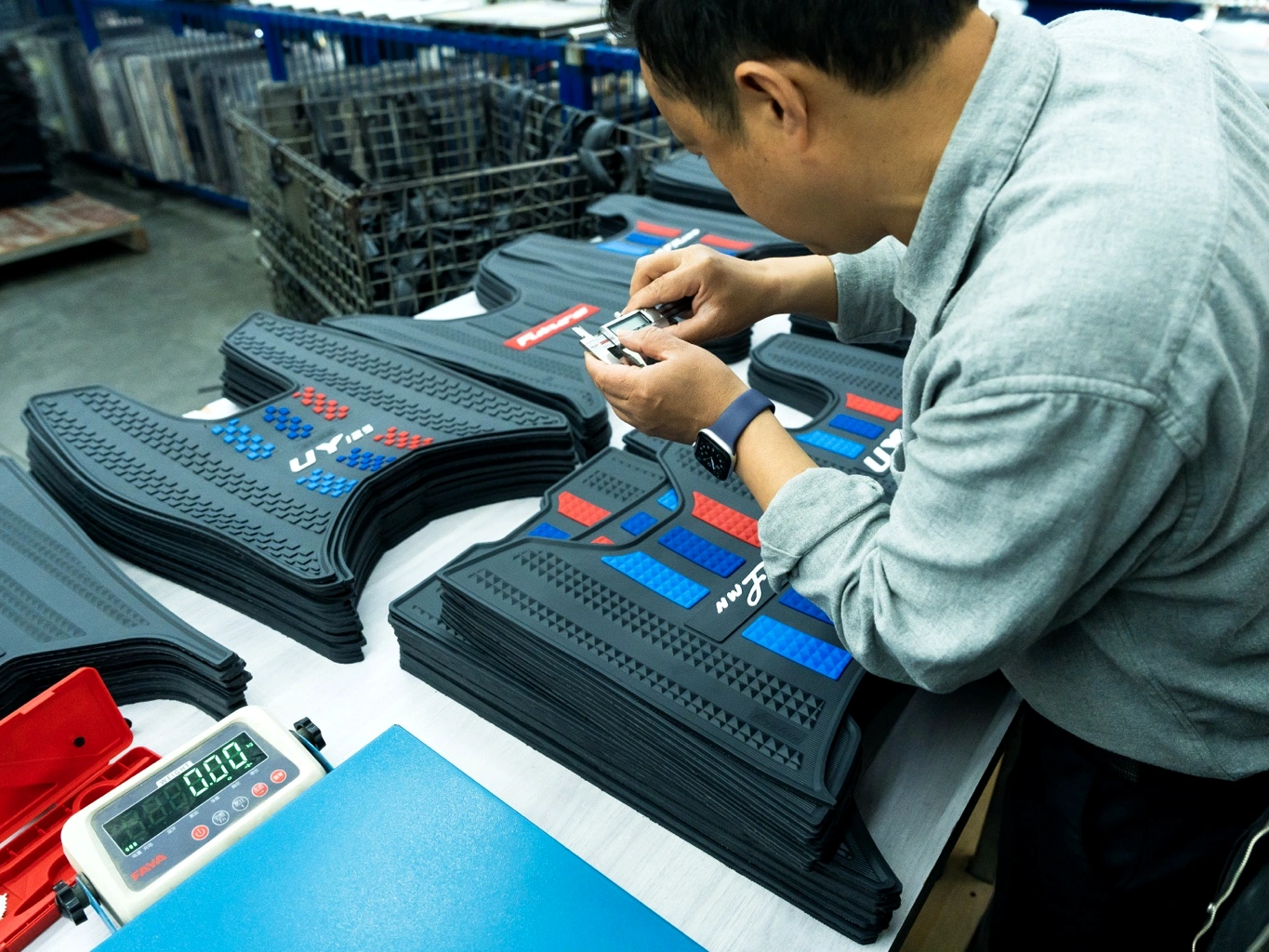
Keep the approved pattern, sample, specification, logo, and packaging on the same revision.
No. It is a product-structure and pattern category. Material, thickness, backing, and finish must be confirmed separately.
The driver area, pedals, heel position, retention points, and floor shape can differ. Only use RHD when the source or physical sample confirms it.
Do not request indexing or approve production on the URL alone. Confirm the year or generation and update the product record first.
Send the vehicle list, quantity by model, target market, material and finish, branding, packaging, and required schedule.
Ready to prepare a quotation?